

Switching recipe apps is not really about features. It is about the two hundred recipes you have already saved, and whether you are willing to lose them. For most people the answer is no, which is why so many people stay put.
So Saucier reads other apps’ files, and tells you the truth about what it can and cannot carry.
From Paprika
Export your library from Paprika as a .paprikarecipes file, then open it on
your iPhone — tap it in Files and pick Saucier, or use Import inside
Saucier’s settings.
Saucier handles all three shapes of Paprika export that turn up in practice: the usual zipped-and-gzipped archive, archives whose entries were written as plain JSON, and a single recipe exported as a bare gzip with no archive around it. It works out which one it has by looking at the bytes, because the extension is the same for the first two and frequently missing on the third.
What comes across
| From Paprika | Into Saucier |
|---|---|
| Name | Recipe name |
| Ingredients | Ingredients, re-parsed so amounts can be scaled and converted |
| Directions | Method, split into steps |
| Notes and description | Notes, yours first |
| Source and source URL | Author and original link |
| Photo | Recipe photo |
| Servings | Servings |
| Nutritional info | Nutrition |
| Prep, cook and total time | Prep, cook and total time |
| Categories | The first becomes the folder; the rest are shown during review |
What does not
Star ratings and difficulty. Saucier has nowhere to put either, so instead of dropping them quietly it lists them for each recipe during the review step. You find out before you import, not six months later.
From Saucier
Saucier’s own .sauce files work in both directions. Export your whole library
from settings as a backup, or share a single recipe as a file to someone else
who uses the app. Older .sauce files still open — the format has stayed
backward-compatible across every version.
Nothing happens until you say so
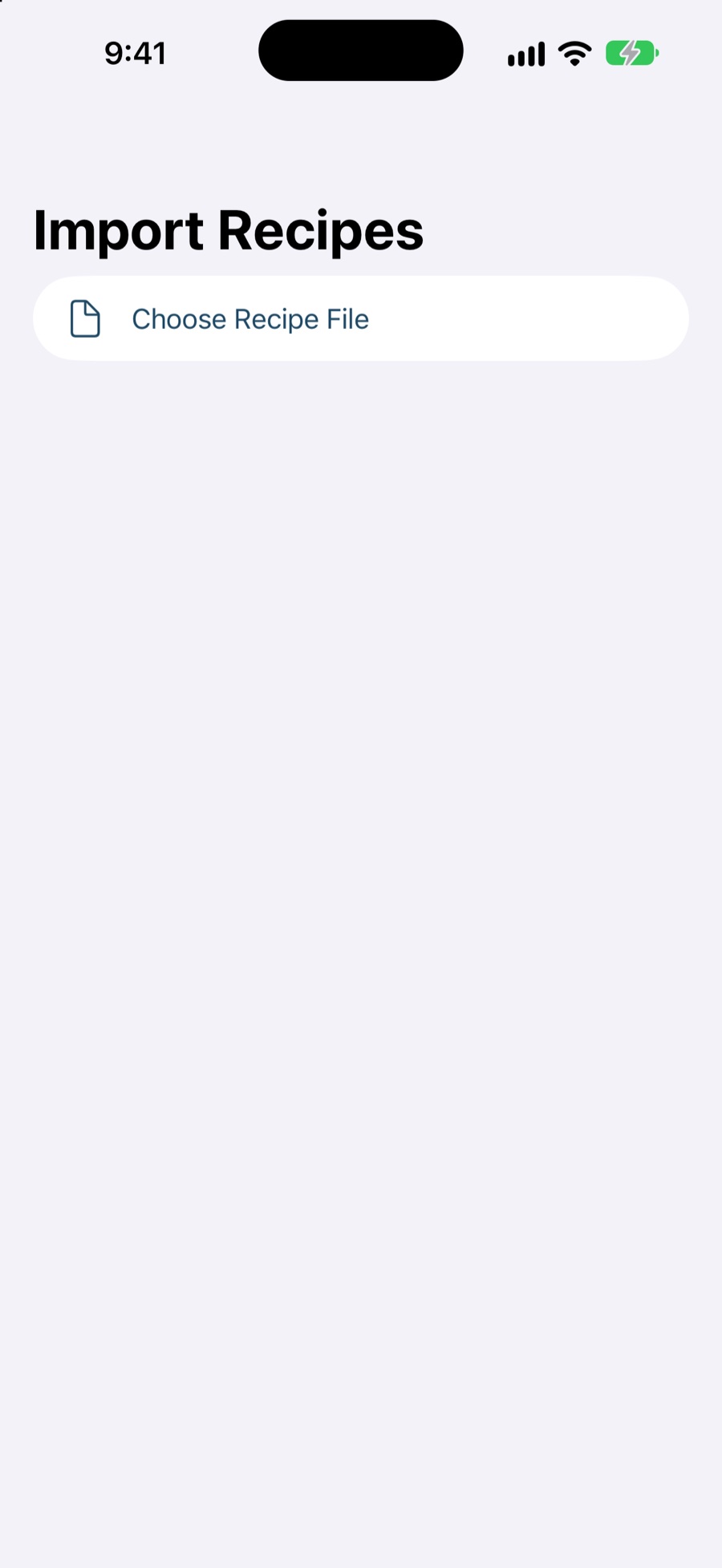
The import screen is a review, not a progress bar. You see every recipe the file contained and every field that has no home, and the library is only written when you confirm. An import that silently half-worked is worse than one that did not run.
And getting back out
Your recipes are stored on your device and synced through your own iCloud
account — not on a Saucier server, because there isn’t one. You can export the
whole library to a .sauce file whenever you like, and share any single recipe
as a file or a link.
Being easy to leave is a feature. It is the reason you are reading this page about leaving something else.
Starting from scratch instead?
If your recipes are not in another app but scattered across saved posts and open tabs, that is the other half of the problem: saving from Instagram, TikTok and the web →
Questions
Which files can Saucier import?
Paprika’s .paprikarecipes and .paprikarecipe exports, and Saucier’s own .sauce files. Saucier works out which it has by inspecting the contents, not the file extension — which matters, because a single recipe exported from Paprika often arrives with no extension at all.
What comes across from Paprika?
The name, ingredients, directions, your notes, Paprika’s own description, the source and source link, the photo, servings, nutrition, prep, cook and total times, and categories. The first category becomes the recipe’s folder in Saucier and the rest are shown to you during the review.
What does not come across?
Star ratings and difficulty. Saucier has nowhere to put them, so rather than silently dropping them it lists them during the review — finding out months later that your ratings stayed behind is not a good way to find out.
Will importing create duplicates?
Imports are reviewed before anything is written, so you see the full list and decide. Nothing is added to your library until you confirm.
Can I get my recipes back out of Saucier?
Yes. Export your library as a .sauce file at any time from settings, and share individual recipes as files or links. Your recipes are also stored in your own iCloud account rather than on a Saucier server.
I use a different app — can I still move over?
Not as a single file yet; Paprika and Saucier’s own format are what the importer reads today. In the meantime, most apps can share a recipe’s original web link, and Saucier can save from that. If there is a format you need, say so at help@saucier-app.com — it is useful to know what people are actually trying to move.